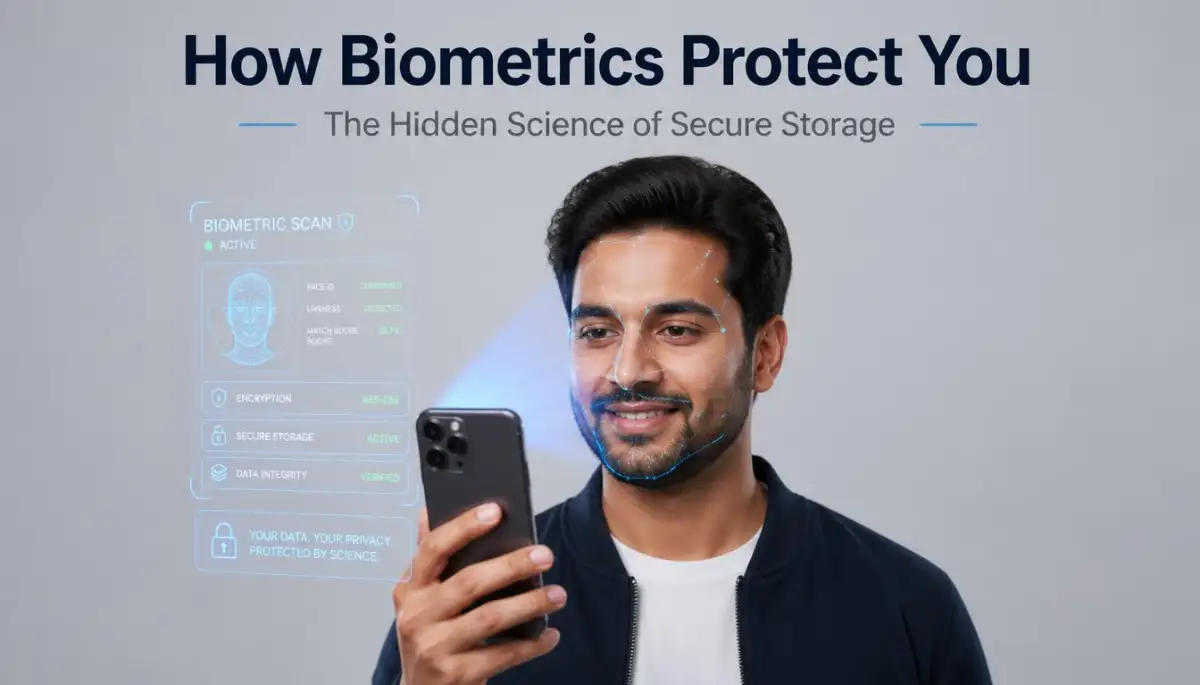
The Hidden Fear Behind Every Touch and Glance
I remember the first time I set up a fingerprint lock on my very first smartphone. My thumb shook a little bit as I pressed it against the cold glass of the sensor. I wasn't just worried about the technology working; I was worried about where my fingerprint was actually going.
The thought of a giant company having a digital copy of my unique body part felt invasive and scary. I kept asking myself: "What if someone hacks their servers and steals my identity?" It felt like I was handing over the keys to my physical self to a machine I didn't fully understand.
Many people I talk to feel this exact same way every single day. We use our faces to unlock our banking apps and our eyes to get through airport security. But that nagging feeling of being watched or tracked never really goes away for the average person.
We live in a world where data leaks happen all the time. Seeing news about millions of passwords being stolen makes us wonder if our biometrics are next on the list. The idea of your "face" being out there in a database is enough to keep anyone up at night.
This fear isn't just about technology; it is about our basic human need for privacy and safety. When we don't understand the "how," we naturally fill in the blanks with our worst nightmares. We imagine folders full of photos of our retinas and fingertips just waiting to be taken by a clever hacker.
This lack of clear information creates a deep sense of digital anxiety. People want the convenience of modern tech, but they don't want to sacrifice their peace of mind for it. It feels like a constant trade-off between being fast and being safe.
The reality is that most of us are using these systems without knowing the brilliant math that protects us. We feel like we are walking on thin ice, hoping the system is as secure as the companies claim. My goal is to pull back the curtain and show you why you can finally breathe a sigh of relief.
Decoding the Magic: How Your Body Becomes a Secret Code
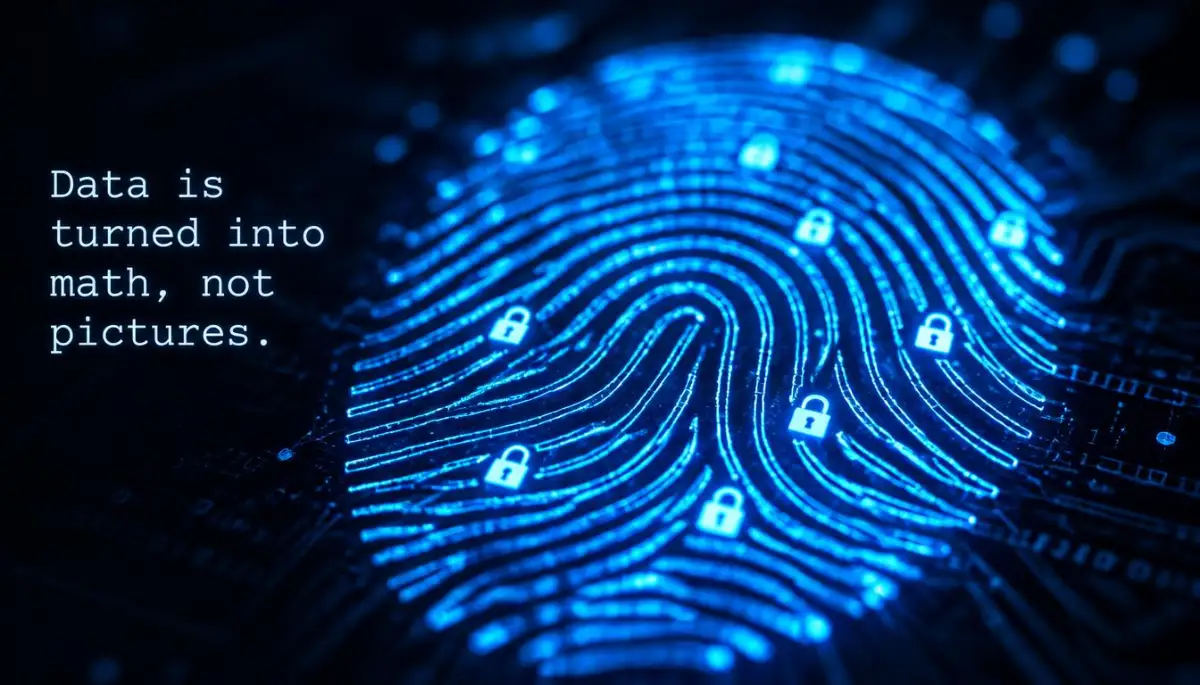
When you place your finger on a scanner, the system does not actually take a photo of your finger. This is the biggest misunderstanding people have about biometric security. Instead, the device looks for specific "landmarks" on your skin, like where the lines end or split.
These landmarks are then turned into a long string of numbers using complex math. Imagine taking a beautiful painting and turning it into a giant list of coordinates. You can't see the painting anymore, but you have the exact data needed to recognize it.
This list of numbers is what we call a "physiological template." It is a mathematical map of your unique features, not a visual image. If a hacker ever got into the system, they would only find rows of numbers that make no sense to the human eye.
The Shield of One-Way Hashing
Once that mathematical map is created, the system uses something called a "One-Way Hash." Think of this like putting your data into a digital blender. You can turn a strawberry into a smoothie, but you can never turn the smoothie back into a strawberry.
The system processes your data through an algorithm that spits out a unique code. This code is what gets stored in the secure part of your device. Because it is a "one-way" process, the original data can never be reconstructed from the stored hash.
Even if someone stole that hash, they couldn't use it to recreate your fingerprint or your face. It is a dead-end for any criminal trying to steal your physical identity. This is why biometric systems are often much safer than simple text passwords that can be read if stolen.
Pro Tip: I used to think that my phone was "taking a picture" every time I looked at it, which made me feel very exposed. Once I realized that it only stores a mathematical summary that cannot be turned back into a photo, I felt much more comfortable using these features for my banking and private apps.
Why Your Data Never Leaves the Device
Most modern smartphones use a "Secure Enclave" or a "Trusted Execution Environment." This is a separate hardware chip inside your phone that is isolated from the rest of the operating system. It is like a high-security vault inside a house that has its own separate lock and key.
When you scan your face, the main part of your phone sends the data to this vault. The vault checks if the math matches the stored template and then simply sends back a "Yes" or a "No." The actual biometric data never travels to the cloud or even to the apps you are using.
This "local storage" approach is a massive win for your privacy. It means that even if a social media app is hacked, they don't have your biometric data because they never had access to the vault. Your body's data stays exactly where it belongs—in your hand.
Understanding the Encryption Layers
Before the data is even stored in the vault, it is wrapped in layers of encryption. This is like putting a secret message inside a locked box, then putting that box inside another locked safe. Each layer requires a specific digital key to open.
These keys are often tied to the hardware of the device itself. This means that if someone took the storage chip out of your phone and put it into another one, the data would remain unreadable. The "lock" and the "key" are physically bonded to your specific device.
This level of protection is why it is so difficult for law enforcement or hackers to bypass modern biometric locks. The system is designed to be a "zero-trust" environment. It doesn't trust anyone, not even the person who built the phone.
Watch this fascinating explanation of how secure hardware works to protect your identity.
The Difference Between Identification and Verification
It is helpful to know that your phone is performing "verification," not "identification." Identification asks, "Who is this person?" and looks through a huge database of people. Verification simply asks, "Is this the person who owns this phone?"
Because the system only has to compare your scan to one single template, it can be incredibly fast and accurate. It isn't looking for you in a crowd; it is just making sure you are you. This limited scope makes it much harder for mistakes or "false positives" to happen.
This distinction is also a huge part of why these systems are so private. There is no need for a massive, centralized database of everyone's faces. Your data is just a tiny, encrypted dot on a single piece of hardware that you control.
How Systems Handle Changes in Your Body
You might wonder how your phone still recognizes you if you grow a beard or wear glasses. This is where "Machine Learning" comes into play. Every time you successfully unlock your device, the system subtly updates your template.
It learns the small changes in your appearance over time so that it doesn't get confused. However, it does this without ever needing to see your "raw" face. It just adjusts the mathematical coordinates in the encrypted map.
If there is a major change, like a significant injury, the system will ask for your backup PIN. This safety net ensures that you are never locked out while also keeping the security level high. It is a perfect balance of being smart and being cautious.
The Role of Salt in Data Security
In the world of encryption, "Salting" is a technique where random data is added to your template before it is hashed. This makes it impossible for hackers to use "Rainbow Tables," which are lists of pre-calculated hashes used to crack passwords.
Even if two people had identical fingerprints (which is almost impossible), their stored hashes would look completely different because of the salt. This adds an extra layer of randomness that keeps your data unique and unguessable.
It is like adding a secret spice to a recipe that only the device knows. Even if someone knows the basic ingredients, they can never replicate the final taste. This tiny detail is what makes biometric hacking a nightmare for criminals.
Why Biometrics Are More Sustainable Than Passwords
From a "Sustainable Living" perspective in the digital age, biometrics reduce the need for constant password resets. Password resets consume server energy and support time, creating a digital "waste" of resources.
By using your body as the key, you create a more efficient and long-lasting security habit. You don't have to write things down on paper or use extra energy managing complex lists of characters. It is a cleaner, faster way to interact with our digital tools.
Digital sustainability is about making things last and keeping them simple. Biometric systems, when built correctly, provide a lifetime of security without the clutter of traditional methods. It is a more natural way for humans to talk to machines.
Addressing the "Ghost in the Machine" Myth
Some people worry that their biometric data could be used to create a digital "clone" of them. This is a common theme in sci-fi movies, but in the real world, it is simply not how the tech works. Because the data is stored as a hash, there is no "blueprint" to build a clone from.
You cannot turn a list of numbers back into a human eye or a beating heart. The information is too abstract and "lossy" for that kind of reconstruction. Your physical self remains yours and yours alone, no matter how many times you scan it.
Understanding this helps remove the "spooky" feeling from using modern technology. We are using math to protect ourselves, not magic. And math, unlike magic, follows very strict and predictable rules that are designed for our benefit.
Final Thoughts on Digital Confidence
The journey from being afraid of a sensor to trusting a secure system is all about education. When you know that your face isn't "out there" and that your fingerprint is just a secret number, the fear starts to fade.
We can embrace the convenience of the future without feeling like we are losing our privacy. The systems are getting better every day, and the encryption is getting stronger. Your identity is a treasure, and your devices are built to be its most loyal guards.
As we move forward, staying informed is your best defense. The more you know about how these systems work, the more you can enjoy the benefits of a connected world. You are in control of your data, and now you know exactly how it stays that way.
Taking Control of Your Digital Identity Like a Pro
I spent years worrying that my physical traits were being recorded like a police mugshot. Once I understood the math, my fear turned into a search for the best ways to keep that data even safer. You can do a lot more than just scanning your thumb and hoping for the best.
One of the most important things you can do is learn about your device's hardware. Not all scanners are built the same way. Some use light to take a 2D image, while others use sound waves to create a 3D map of your skin. I always recommend using devices with ultrasonic or 3D sensors because they are much harder to trick with a simple photo or a fake mold.
You also need to be very picky about which apps get to use your biometric sensors. Just because a "fun" photo editing app asks for your Face ID doesn't mean you should give it. I make it a habit to check my settings and only allow biometrics for banking, password managers, and my main lock screen. This keeps my sensitive mathematical templates inside a very small circle of trust.
Another expert secret is to keep your physical sensors extremely clean. Dust and oil from your skin can actually change how the sensor "sees" your landmarks. If the sensor struggles to read you, it might start accepting a "less accurate" match just to be helpful. I use a clean microfiber cloth every single day to wipe down my scanners so the reading stays sharp and accurate.
If you are interested in keeping your digital life clean, you should check out these simple household swaps to shrink your plastic footprint easily. Just like cleaning your home, cleaning your digital habits helps everything run smoother for a long time.
You should also look into "Liveness Detection" settings if your phone has them. This is a feature that requires you to blink or look directly at the camera. It prevents someone from unlocking your phone while you are asleep or by using a high-quality photo of you. Turning this on adds a massive layer of security that costs you nothing but a second of your time.
Most people don't realize that their biometric data is tied to their "Secure Enclave." This is a tiny chip that lives apart from your main phone processor. If you ever feel like your device has been tampered with, you can usually perform a "Hard Reset" to clear the temporary memory of this chip. I do this once a month just to make sure the hardware is fresh and hasn't gathered any digital "junk" that could slow down the verification process.
For those who work in modern offices, it is also smart to practice safe AI at work to keep all your data private. Your biometric data is your most personal asset, so treating it with the same care as your corporate passwords is a great long-term strategy.
Hidden Hazards That Most People Ignore
I have seen many friends make the same emotional mistake when they get a new phone. they think that because they have a face scan, they can use a very simple PIN like "1234" as a backup. This is a huge trap. If the biometric scanner fails after three tries, the phone asks for that PIN. A hacker doesn't need your face if your backup code is that easy to guess.
Another big mistake is ignoring the software updates that come from your phone maker. These updates often contain "security patches" for the biometric math algorithms. I used to click "Ignore" on these updates because they were annoying. Then I learned that hackers find small holes in how the sensors talk to the software, and those updates are the only way to plug those holes.
It can be very scary to realize how much we trust our devices without checking them. I once saw someone use a screen protector that had a tiny air bubble right over the fingerprint sensor. That air bubble was holding a "ghost" of their fingerprint on the glass. Anyone could have pressed that spot and potentially gotten into the phone. Always make sure your screen protectors are high quality and fitted perfectly.
Some people also get too comfortable and register multiple people's fingers on one device. I know it feels convenient to let your partner or best friend unlock your phone easily. However, this creates a "split" in the secure template. The more people you add, the more the system has to "loosen" its rules to recognize different shapes, which makes it slightly less secure for everyone.
If you are already feeling a bit stressed by all this tech talk, you might want to fix tired eyes fast with easy screen adjustments to help you stay focused. Protecting your data is important, but you shouldn't ruin your health while doing it.
I also see people using biometrics in very public or crowded places without being careful. If you are on a busy bus, someone could be filming you while you unlock your phone. While they can't "steal" your fingerprint from a video, they can see your backup PIN if you have to type it in. I always shield my screen with my hand if I am in a crowd, just to be safe.
Lastly, never trust a third-party app that claims it can "improve" your fingerprint or face recognition. These apps are almost always fake and are just trying to get you to grant them permissions. The only way to improve your scan is through your device's official settings menu. Anything else is a trap that could lead to your data being leaked or stolen.
According to research from the National Institute of Standards and Technology (NIST), the accuracy of these systems depends heavily on user behavior. If you don't take care of the physical sensor, the "false rejection rate" goes up. This means the phone won't recognize you, and you will be forced to use your PIN more often, which is actually less secure.
A New Way to Think About Your Digital Self
I want you to feel empowered when you look at your phone or scan your thumb. We are living in a time where we carry around high-level encryption that used to only be available to secret agents. It is a tool that is meant to serve you, not scare you. When you use these features correctly, you are making your life faster and safer at the same time.
It is helpful to remember that you are the boss of your own data. You get to decide who sees it and how it is used. By following the tips I shared, you are moving from being a passive user to being a smart protector of your identity. This shift in mindset is the biggest step toward true digital freedom.
The world of technology will keep changing, but the basics of privacy will stay the same. Keep your hardware clean, keep your software updated, and never settle for a weak backup password. These small habits build a wall that is very hard for any hacker to climb. You don't have to be a computer genius to be safe; you just have to be consistent.
I have found so much peace of mind by simply taking ten minutes a month to review my security settings. It feels good to know that my face and my fingerprints are being handled with the respect they deserve. You have the power to protect your unique digital "signature" every single day.
If you are managing your own online business or website, you should also know why hosting server location can make or break your website speed. Security and speed go hand-in-hand in the digital world. The faster and safer your tools are, the more you can focus on the things that really matter in your life.
I really hope this guide has cleared up the mystery for you. My own journey with tech became so much better when I stopped seeing it as a threat. Now, I see my phone as a partner that helps me stay secure while I go about my busy day. I want you to feel that same confidence starting right now.
I started this blog because I wanted to help people like you navigate these tricky topics without feeling overwhelmed. My own mistakes taught me that being careful is not the same as being afraid. I truly believe that you can master your digital world and keep your physical identity safe forever.
Answers to What You’re Probably Wondering Now
Can someone use a high-quality photo of me to unlock my phone?
Most modern phones use depth sensors or infrared light to make sure the face is a real 3D object. A flat photo does not have the depth or heat signature of a real human face. This makes it almost impossible for a simple picture to trick a high-quality biometric system.
What happens to my scan if I get a scar or a small injury?
The system is designed to look at many points, not just one. If a small part of your finger has a scar, the system can still recognize the other 80% of your landmarks. If the change is too big, you will simply use your backup PIN to log in and then re-register your scan.
Is my biometric data sent to the government or big tech companies?
On most trusted devices, your biometric data never leaves the "Secure Enclave" chip inside your phone. It is converted into a mathematical code that stays on your device and is not uploaded to the cloud. You can verify this by checking the privacy policy of your phone maker to see their "on-device processing" rules.
Does using a face scan drain my battery faster?
The sensor only turns on for a fraction of a second when you wake up your screen. It uses a very small amount of power that you will likely never notice in your daily use. In fact, it might even save battery because it is faster than typing in a long password while your screen stays bright.
Can my fingerprint be "stolen" from a glass I touched in a restaurant?
While someone could technically lift a fingerprint from a glass, they cannot easily turn that physical print into the digital mathematical code your phone requires. Modern sensors also look for things like "blood flow" or "electrical charge" in your skin. A dead piece of plastic or a lifted print usually won't have these "living" traits.
Disclaimer: This article is for informational and educational purposes only. While I strive to provide accurate and up-to-date information, technology and security standards are always changing. I am not a legal or professional cybersecurity advisor. Always follow the official safety guidelines provided by your device manufacturer. Using biometric systems is a personal choice, and I recommend doing your own research to ensure your specific device meets your privacy needs.