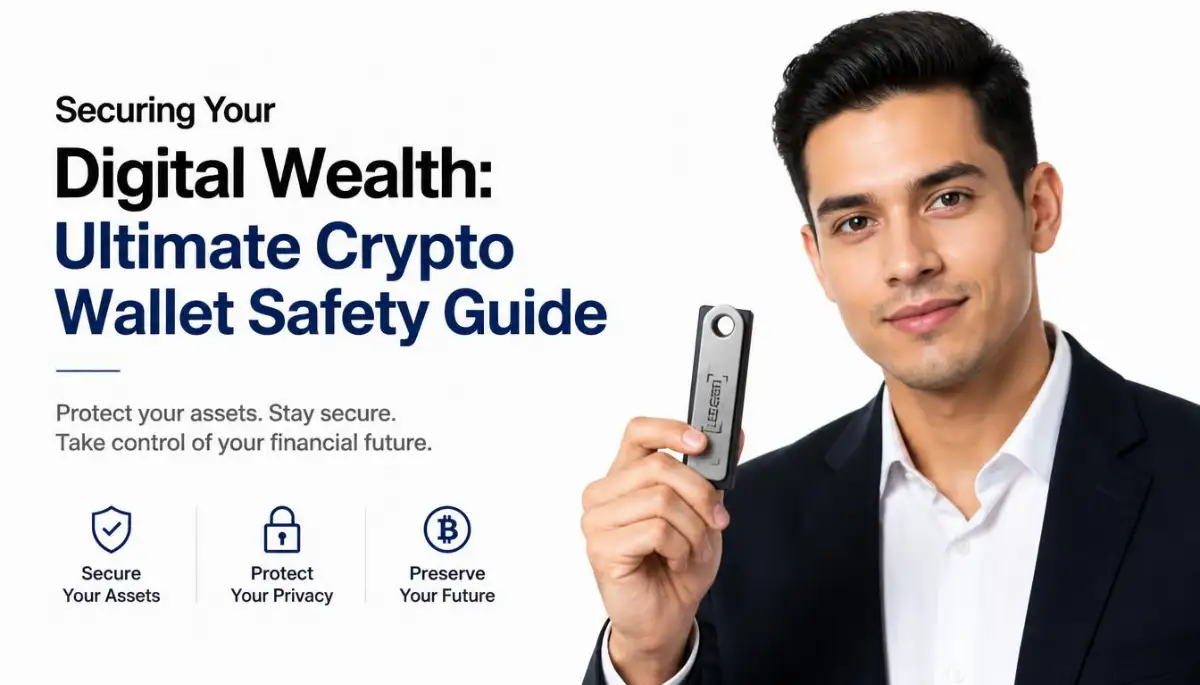
The Day I Watched My Entire Crypto Portfolio Disappear
Imagine waking up, grabbing your phone for a quick check, and seeing a giant $0.00 where your life savings used to be. That was my reality last Sunday. I didn't just lose money; I lost my sleep and my trust in the digital world. If you're holding crypto and think "it won't happen to me," you're exactly where the hackers want you. Let me show you how I fixed my security so you never have to feel that gut-punch of a total loss.
My heart sank instantly as I scrolled through the transaction history. Some unknown person had transferred every single coin out of my wallet just three hours earlier. I sat there in complete shock, realizing that my hard-earned savings were gone forever.
Losing your digital funds is a deeply painful experience that ruins your mental peace. You feel completely violated because someone crawled into your private digital space and stole your future. Many people blame themselves, wondering what small link they clicked or what mistake they made.
I do not want anyone else to go through the painful silent suffering that I experienced. The truth is that most online thefts happen because of very simple security gaps that we overlook. If we make a few small adjustments, we can build a strong shield that no remote thief can break.
Let us look at how these bad actors operate behind the scenes. Once you understand their tricks, you can easily outsmart them.
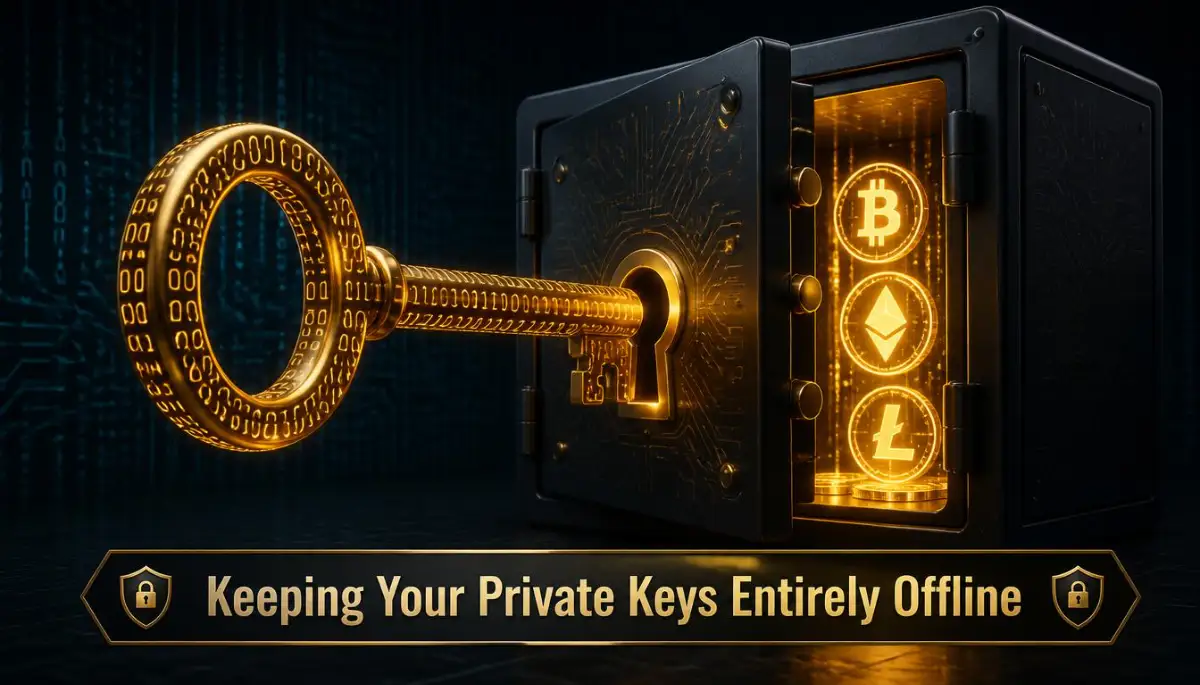
The Foundation of Safety: Choosing Your Digital Vault
To protect your digital coins, you must first understand where they actually live. Your coins do not sit inside your phone or your physical computer. They live on the public blockchain, and your wallet simply holds the digital keys to access them.
The type of wallet you choose determines how easy it is for a thief to steal those keys. Let us break down the two main options available to every investor.
🛡️ Quick Security Wins (Read This First!)
- Move to Hardware: If you have more than $1,000 in crypto, get a Ledger or Trezor. Stop keeping it on apps.
- Physical Backups only: Never, ever take a photo of your seed phrase. Write it on paper or stamp it on metal.
- Enable 2FA (No SMS): Use Google Authenticator. SMS codes are easy for hackers to steal via SIM swapping.
- The 25th Word: Use a hidden passphrase for an extra layer of "invisible" protection.
Software Wallets vs. Physical Cold Storage Devices
Software wallets, also known as hot wallets, are applications that run on your phone, tablet, or computer. Because these devices are constantly connected to the internet, they are always exposed to online threats. A simple malware infection on your phone can easily leak your keys to a remote attacker.
| Feature | Hot Wallet (App) | Cold Wallet (Hardware) |
| :--- | :--- | :--- |
| Connection | Always Online | Mostly Offline |
| Cost | Free | $50 - $200 |
| Risk Level | High (Hackable) | Extremely Low |
| Best For | Daily Trading | Long-term Savings |
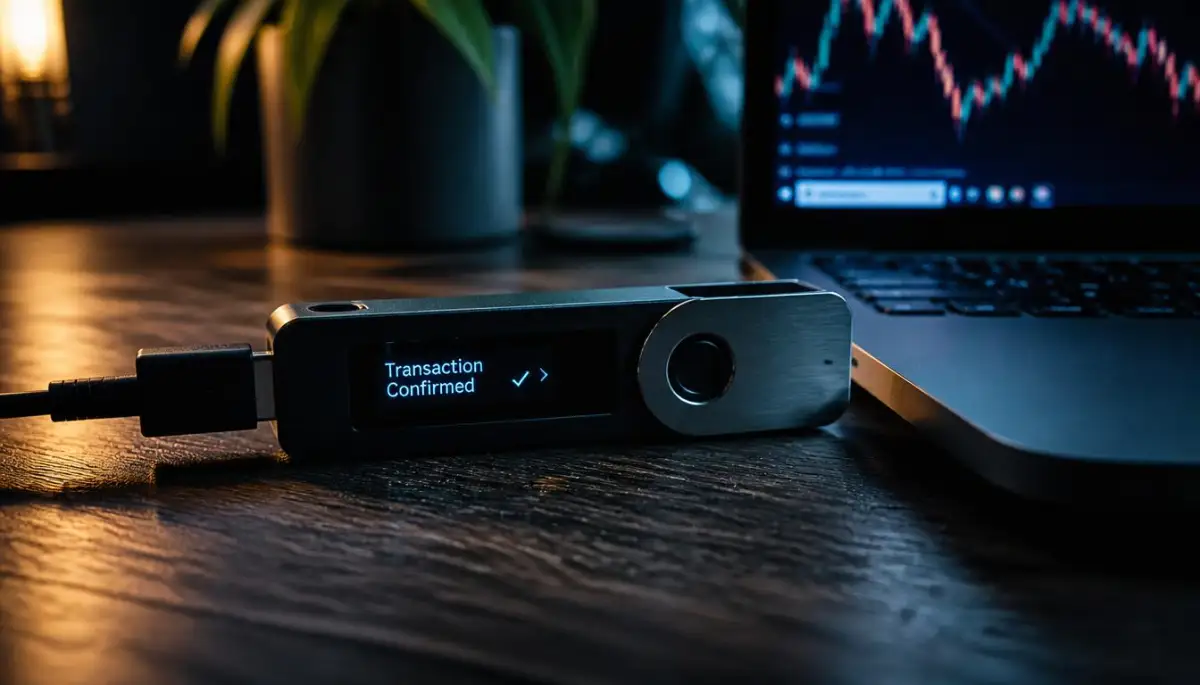
Physical cold storage devices, also known as hardware wallets, keep your keys completely offline. These small physical gadgets require you to press physical buttons to approve any outgoing transaction. Even if your computer is fully infected with viruses, a hacker cannot steal your keys from an offline device.
The Hidden Dangers of Leaving Funds on Exchanges
Many beginners make the mistake of leaving their digital assets on the exchange where they bought them. When you do this, the exchange holds the keys, and you only have an account login. If the exchange goes bankrupt or gets hacked, your money is gone instantly.
Securing Your Backup: The Golden Rules of Recovery Phrases
When you set up a new non-custodial wallet, you receive a list of twelve or twenty-four random words. This list is your recovery phrase, also known as a seed phrase. This phrase is the ultimate key to your wealth, and anyone who finds it can take your funds.
Why You Must Never Save Your Seed Phrase on a Computer
The biggest mistake you can make is taking a screenshot or typing your recovery phrase into an online document. Hackers use automated programs to scan cloud storage accounts for images that look like seed phrases. If your phrase is saved online, it is only a matter of time before someone finds it.
You must treat your recovery phrase like physical cash. It should only exist on physical surfaces that cannot be accessed by an internet connection. Never type it into any keyboard or show it to any camera.
Going Physical: Metal Sheets and Secure Safe Boxes
Paper backups are a good start, but they can easily get ruined by water, fire, or accidental tearing. To ensure long-term safety, many smart investors stamp their words onto solid steel or titanium plates. These metal backups can survive extreme disasters without losing your words.
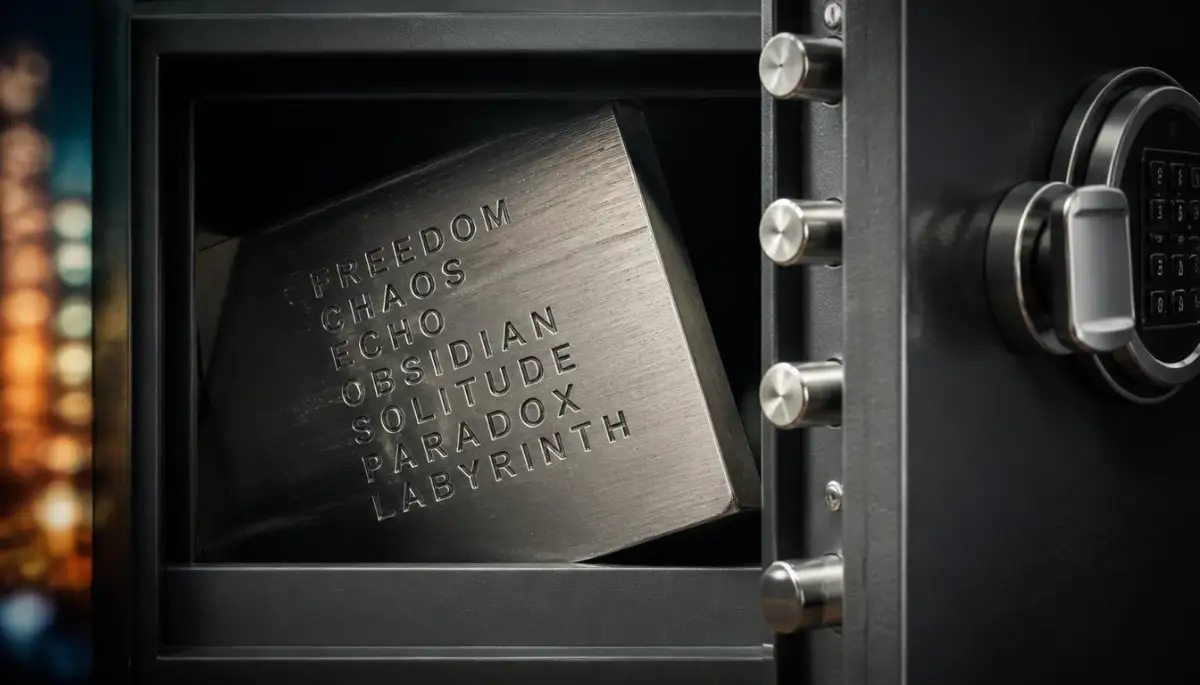
Once you have your physical backup ready, you must hide it in a secure location. A high-quality home safe or a bank deposit box is an excellent choice for this purpose. Never keep your backup in an obvious place where visitors or workers can easily spot it.
Pro Tip: When I first wrote down my recovery phrase, I hid it in a desk drawer where anyone could find it. I realized later that paper can easily burn or get damaged by water. Now, I always stamp my backup words on a solid metal plate and keep it locked inside a secure safe box.
Defending Against Remote Software Attacks
Hackers do not always target your physical backup; they often try to infect the devices you use daily. By installing silent programs on your computer, they can watch your every move. Let us look at how to stop these invisible intruders.
The Threat of Keyloggers and Clipboard Hijackers
A keylogger is a type of malware that records every keystroke you type on your keyboard. If you type your passwords or keys on an infected computer, the hacker gets them immediately. Another common threat is clipboard-hijacking malware, which alters copied wallet addresses.
When you copy an address to send funds, the malware replaces it with the hacker's address. If you do not double-check the pasted address, you will send your money directly to the thief. Always verify every character on your hardware wallet screen before approving any transfer.
Spotting Clever Phishing Attempts Before You Click
Phishing is a method where hackers create fake websites that look exactly like your favorite wallet or exchange. They send fake emails or run search engine ads to trick you into entering your recovery phrase. Always check the website address carefully before entering any sensitive information.
If you want to watch a step-by-step visual guide on how to configure your recovery settings safely, check out this tutorial. It makes the physical setup process incredibly simple to follow.
Practical Multi-Factor Defense Mechanisms
To add extra protection to your online accounts, you must enable multi-factor authentication (2FA). This system requires you to provide two different proofs of identity before accessing your funds. It makes it much harder for a hacker to compromise your account.
Why SMS Authentication is a Major Security Risk
Many platforms offer to send a security code to your mobile phone via text message. While this seems convenient, it is actually highly insecure because of a trick called SIM swapping. Hackers can convince your phone carrier to transfer your number to their SIM card, allowing them to intercept your codes.
Instead of SMS, you should always use application-based authentication tools like Google Authenticator or hardware security keys. These tools generate codes locally on your physical device, making them impossible to steal remotely.
Myth vs. Reality: Clearing Up Wallet Security Misconceptions
There are many false stories about how blockchain wallets get hacked. Let us look at some common myths so you can keep your assets safe without unnecessary worry.
Understanding these basic realities will help you focus on the security steps that actually matter. Most thefts do not happen because of complex math hacks, but because of simple human mistakes. By keeping your keys offline and verifying your transactions, you can keep your digital assets safe.
Advanced Shielding Strategies for Long-Term Digital Wealth Protection
When basic security settings are no longer enough, experienced investors use advanced cryptographic practices to protect their holdings. These methods go beyond typical software configurations and target the very design of how keys are stored and verified. By shifting your approach to these high-level practices, you can build an impenetrable barrier around your funds.
Implementing Multi-Signature Vault Architectures
A standard crypto wallet is like a physical box with a single lock and key. If a thief steals that key, they gain total control over everything inside. Multi-signature (multisig) wallets change this dynamic by requiring multiple unique keys to approve a single transfer.
For instance, you can set up a system that requires two out of three separate devices to confirm any transaction. You can store one key on your laptop, another on a hardware device, and a third with a trusted partner or safe deposit box. This layout ensures that even if a hacker gains access to one of your devices, they still cannot steal your funds.
This multi-level protection is highly recommended by security institutions worldwide. You can read about the best practices for key security on the National Institute of Standards and Technology homepage to understand how global enterprises secure private data. Using this split-key system removes the single point of failure that ruins many investors.
The Hidden Power of the Twenty-Fifth Word Passphrase
Most cold storage devices generate a recovery phrase consisting of twelve or twenty-four random words. However, sophisticated users take this security a step further by adding an optional twenty-fifth word, also known as a passphrase. This custom word acts as a hidden layer of protection that is completely separate from your backup sheet.
When you enter this extra word, it creates a completely different wallet with its own unique set of addresses. If someone physically steals your twenty-four-word backup sheet, they will only see a decoy wallet with a minimal balance. Your main funds will remain safely hidden inside the twenty-fifth-word wallet, which only exists in your memory.
Choosing to use a passphrase protects you from physical theft, extortion, and home robbery threats. It is very similar to how you would block smart tv tracking to protect your home privacy from outside eyes. Adding this invisible layer of protection ensures that even physical access to your hardware wallet does not compromise your entire net worth.
My Personal Setup Tip: I use what I call the "2-Wallet Rule." I keep only 200−
200−
500 in my phone app for quick moves. Everything else—my main portfolio—stays on a hardware device locked in a physical safe. If my phone gets hacked today, I only lose a few bucks, not my entire future.
Auditing and Revoking Smart Contract Approvals
Many users connect their hot wallets to decentralized exchanges and yield farming protocols to earn interest or swap tokens. During this process, you often sign transactions that grant these platforms unlimited permission to spend your tokens. If one of these platforms gets hacked, the exploiters can drain your wallet directly through those open permissions.
To prevent this, you should make it a weekly habit to audit your active smart contract approvals. Tools like revoke.cash allow you to view every platform that has access to your assets and revoke those permissions instantly. It does cost a minor transaction fee to clear these approvals, but the cost is well worth the peace of mind.
Understanding the relationship between security fees and asset protection is essential for long-term survival in the crypto market. Learning about the hidden cost of Ethereum can help you budget for these security maintenance fees without hurting your portfolio. Keeping your wallet clean of old dApp permissions is just as important as keeping your private keys offline.
Air-Gapped Signing and Offline Communication Methods
An air-gapped wallet is a device that never connects to the internet, Bluetooth, or any physical computer cable. Instead, it processes transactions by scanning QR codes using a built-in camera. This physical barrier ensures that no online malware can cross over to your security hardware.
When you want to send a transaction, your computer screen generates a QR code containing the raw transaction details. You scan this code with your air-gapped device, sign it offline, and then scan the signed code back with your computer camera. This physical separation is currently the most secure way to interact with any blockchain.
Using these offline methods protects you from advanced computer viruses that target USB ports or local network connections. You can explore the technical designs of these offline communication systems on the official Ledger security academy specifications website. Transitioning to air-gapped hardware is the ultimate upgrade for any serious long-term holder.

The Silent Fault Lines: Psychological Traps That Bypass Your Firewall
Even the most expensive hardware wallet cannot protect you if you are tricked into giving away your funds voluntarily. Modern hackers have shifted their focus from brute-force system attacks to advanced psychological manipulation. Understanding these mental traps is the only way to keep your guard up during stressful situations.
The Danger of Clipboard-Hijacking Malware
Many users have a habit of copying and pasting long wallet addresses to avoid typing them out manually. However, active malware on your computer can monitor your clipboard in real-time. When it detects a copied crypto address, it instantly replaces it with the hacker's address instead.
If you paste the address and click send without verifying every single letter, your funds will go straight to the attacker. Because blockchain transactions are permanent, there is no way to get your money back once it is sent. This type of attack bypasses all hardware wallet security because you are technically signing a real transfer.
Always make it a mandatory rule to visually check the first and last five digits of any address on your physical hardware screen before approving a transfer. This simple verification habit takes only three seconds but can save you from losing your entire life savings. Never assume that the address on your computer screen is the same one in your clipboard.
The Threat of Storing Backup Sheets in Cloud Services
Another common mistake is taking a digital photograph of your recovery phrase or typing it into a private document online. Many people assume their cloud accounts are secure because they have strong passwords and two-factor authentication. However, cloud backups are prime targets for automated hacking programs.
Once a hacker gains access to your cloud storage or email, they scan every image for handwritten text or twenty-four-word lists. Within minutes, they can import your recovery phrase into a new wallet app and sweep your funds. Your hardware wallet will remain completely untouched, yet your digital balance will go to zero.
This panic of realizing your online backup has been compromised is a terrible experience that ruins lives. Just like when first time personal loans fail, people often make rushed decisions out of desperation when they see their accounts locked. The only safe way to store your backup phrase is on a physical, offline medium that never touches a camera or keyboard.
You can learn more about protecting your personal data from these remote system attacks by visiting the official OWASP Foundation mobile security principles portal. They provide excellent guidelines on how online applications handle private keys and how you can limit your digital exposure. Keeping your recovery phrase strictly physical is the foundation of self-custody.
The Deceptive Nature of Blind Signing Transactions
When interacting with complex decentralized apps, your hardware wallet might display a message that says "Blind Signing Enabled" or "Data Present." This happens when the device cannot read the complex smart contract code and asks you to sign the transaction blindly. Signing these transactions is like signing a blank check with your eyes closed.
A malicious website can easily present a blind-signing prompt that looks like a harmless token swap but is actually a contract that drains your wallet. You should never enable blind signing unless you are interacting with a verified, highly reputable platform. If possible, use modern web wallets that translate contract data into simple, readable text before you sign.
Building this cautious mindset into your daily routine is essential for maintaining your financial health. Just like keeping up with a crypto tax reporting guide prevents trouble with tax collectors, practicing careful signing habits prevents catastrophic losses. Take your time with every prompt, and never let any platform rush you into signing unreadable data.
Your Personal Blueprint for Bulletproof Custody
Achieving total security does not require you to be a computer programming expert. It simply requires a disciplined approach to physical and digital habits that you practice every single day. By turning these security measures into automatic routines, you can enjoy the freedom of decentralization without the fear of theft.
Managing your security protocols is very similar to managing your personal income streams. Just like studying smart budgeting methods for self-employed pros, protecting your assets takes consistency, planning, and a clear understanding of potential risks. A balanced approach always wins against chaotic, last-minute changes.
The Daily Habits of Secure Investors
To ensure your digital assets remain safe from modern online threats, follow this simple protection routine:
- Never share your recovery phrase with anyone, including people claiming to be wallet support agents.
- Verify every address on your physical hardware screen before clicking the final sign button.
- Keep your hot wallet balances low and move your long-term savings to offline cold storage.
- Use a dedicated computer or tablet solely for your crypto transactions to avoid malware infections.
- Revoke smart contract permissions immediately after you finish using a decentralized application.
By adopting these security habits, you can take complete control of your financial destiny without relying on banks. If you ever experience a security scare, remain calm and follow your backup procedures carefully. This is a journey of responsibility, and with the right setup, you can protect your wealth for generations to come.
I used to worry about the safety of my digital assets, but switching to a strict offline storage routine changed my entire perspective. My hope is that this guide helps you feel confident and fully prepared to secure your own financial future. You have the power to protect your hard-earned money and take control of your digital destiny today.
Urgent Security Questions Answered
What happens if my hardware wallet company goes out of business?
Your funds are not stored inside the physical wallet device; they live permanently on the public blockchain ledger. Your hardware wallet is simply a key to access those funds. If the manufacturer goes out of business, you can easily import your twelve or twenty-four-word recovery phrase into any other standard BIP-39 compatible wallet to access your money.
Can a hacker steal my crypto if they only have my public address?
No, your public address is like an email address that people use to send you messages or funds. A hacker cannot steal your assets with just your public address because they still need your private keys to sign and approve outgoing transactions. However, sharing your public address widely can compromise your financial privacy by allowing anyone to view your balances.
How often should I check my connected smart contract permissions?
It is good practice to audit and revoke your smart contract permissions at least once a month, or immediately after you use a new platform. If you actively swap tokens on a daily basis, checking your approvals weekly is highly recommended. This routine ensures that if a platform you previously used gets compromised, your wallet remains safe from exploiters.
Is it safe to keep a backup seed phrase in a metal capsule?
Yes, storing your recovery phrase on a stainless steel or titanium metal backup device is one of the safest methods available. Unlike paper, metal is highly resistant to house fires, water damage, and physical wear over time. Make sure to hide your metal backup in a secure, fireproof location that only you can access.
Can someone guess my 12-word seed phrase using supercomputers?
No, guessing a twelve-word seed phrase is mathematically impossible with current computing technology. There are over three hundred and forty undecillion possible combinations, which is more than the number of atoms in the observable universe. Even if all the supercomputers on earth worked together for billions of years, they could not guess your unique phrase.
If you ever find yourself in a situation where you lose physical access to your keys, do not panic. Much like knowing the steps to take when you have missed your connecting flight, having an offline backup plan ensures you can recover quickly and securely.
Disclaimer: This article is for educational and informational purposes only and does not constitute financial, investment, or legal advice. Cryptocurrency transactions carry inherent risks, including protocol exploits, permanent key loss, and volatile market shifts. Always do your own research and consult with a certified professional before making any security or investment decisions.