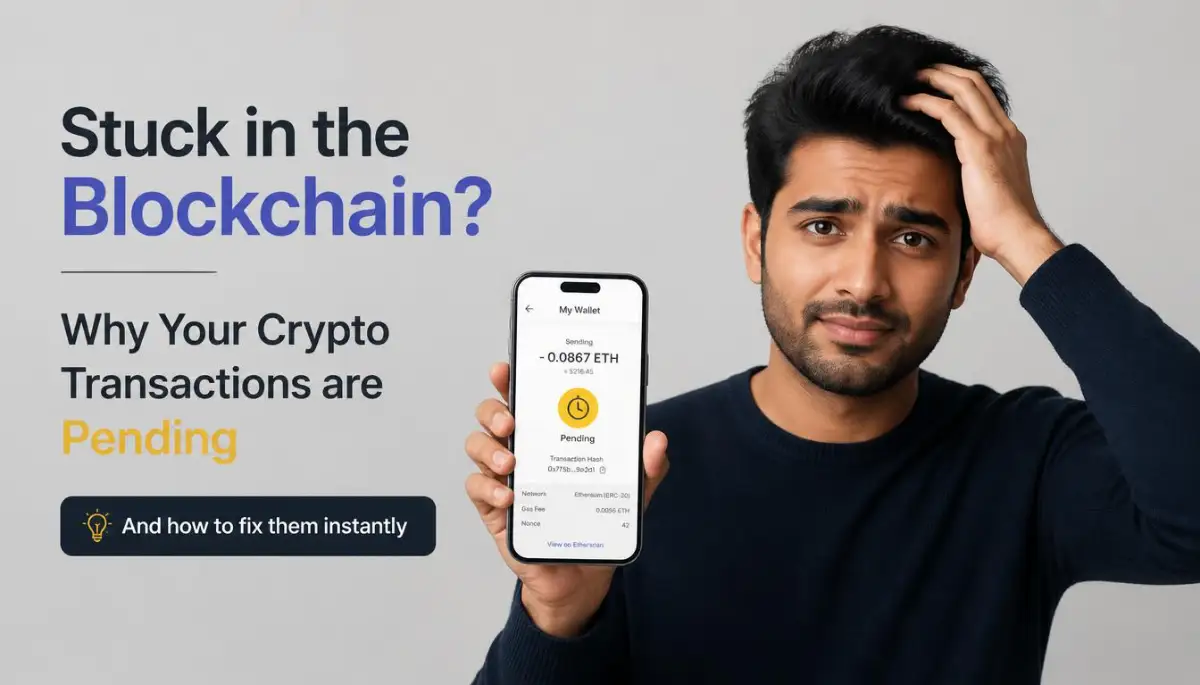
The Night My Digital Money Vanished Into Blockchain Limbo
You hit 'send,' wait a few seconds, and then... nothing. That spinning yellow 'pending' icon is enough to make anyone’s stomach drop, especially when it’s your own money on the line. I’ve been there—staring at a frozen screen at 2 AM, wondering if my crypto just vanished into thin air. If your transaction is stuck right now, don't panic. I'm going to show you exactly how to kick it loose and get your funds moving again.
Hours passed, and the fund transfer simply refused to move at all. I felt a cold sweat on my forehead as I realized my money was stuck in some digital void. It was one of the most frustrating experiences of my financial life.
It is not just about the money; it is about the complete loss of control. You cannot call a customer support hotline to reverse a blockchain transaction. You are left staring at a spinning wheel, hoping for a response that might take days.
This anxiety is a common reality for thousands of everyday crypto users worldwide. It makes people lose trust in digital currencies and feel like they are doing something wrong. But the truth is, this issue happens to almost everyone at some point.
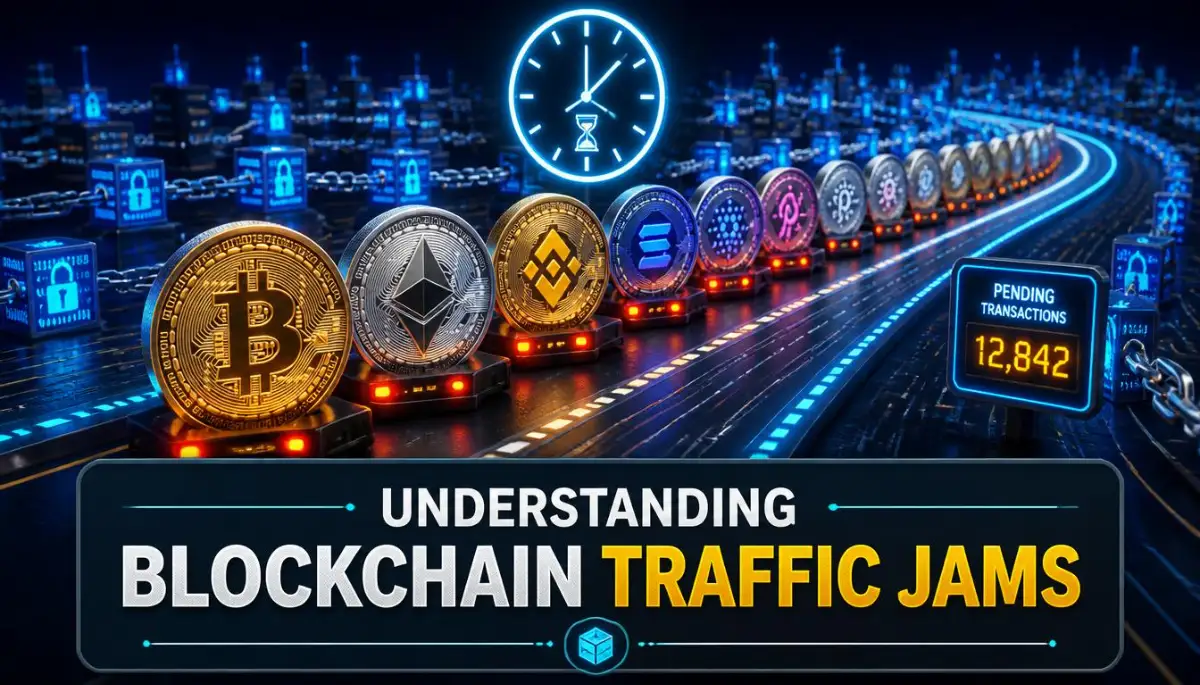
Inside the Waiting Room: What Actually Causes Crypto Transactions to Stall?
Think of the blockchain as a busy highway with limited space. Every transaction is like a car trying to merge onto this digital road. When too many people try to send money at the exact same time, traffic jams happen.
### 🛑 Too Busy to Read? Here’s the Fix:
- Don't Panic: Your money isn't gone; it's just sitting in a digital waiting room (the Mempool).
- Speed it Up: Use the 'Replace-By-Fee' (RBF) button in your wallet if you're in a hurry.
- Be a Receiver: If you're waiting for money, use the 'Child Pays for Parent' (CPFP) trick.
- Wait it Out: If you do nothing, most networks will eventually cancel the request and return your coins in a few days or weeks.
Before we get technical, here is a quick look at why most people get stuck. It usually boils down to three things:
- The Traffic Spike: Too many people using the network at once.
- The Cheapskate Error: Setting a fee that was too low to grab a miner's attention.
- The Network Glitch: A rare but real bug in the wallet's software.
Your transaction does not go straight to the blockchain ledger immediately. First, it sits in a temporary holding area known as the mempool. The mempool is like a digital waiting room where transfers wait for approval.

The Silent Battle of Gas Fees and Network Priority
Network validators or miners are the ones who pick transactions from this waiting room. Since they want to make the most money, they always choose the transfers that pay the highest fees. If you set your transfer fee too low, you get pushed to the back of the line.
This fee bidding war is the main reason your transfer stays in a pending state. During busy market events, fee prices can skyrocket in a matter of seconds. Your normal transaction fee suddenly becomes too cheap for miners to notice.
Network Congestion and Block Space Limitations
Blockchains have a strict limit on how much data they can process in each block. For example, Bitcoin blocks only generate about once every ten minutes. If the queue is huge, your transfer might have to wait for several blocks to pass.
This delay is especially common during major coin launches or sudden market crashes. Everyone is rushing to move their assets, causing the entire digital system to slow down to a crawl.
Practical Ways to Unstick Your Pending Transactions Right Now
Happily, you do not have to sit there and watch your money freeze forever. There are several active methods to nudge the network and speed up your transfer. Let us walk through the most common and effective solutions.
The Magic of the 'Replace-By-Fee' (RBF) Protocol
The Replace-By-Fee protocol is like paying extra to get a VIP pass on the highway. It allows you to broadcast a new transaction that replaces your old, stuck one. The new transfer uses the exact same details but includes a much higher fee.
When miners see the higher fee, they quickly discard your old transaction and approve the new one. Most modern crypto wallets have a simple button that says "Speed Up" which uses this exact method.
My Quick 'Fee Check' Rule:
I always use a tool like Mempool.space (for Bitcoin) or EthGasStation (for Ethereum) before I send a single cent. I look at the 'Medium' fee and then add about 5-10% more. It sounds like losing money, but it saves me the $50 headache of a stuck transaction later. Trust me, paying an extra 50 cents now is way better than waiting three days for your money to move.
Pro Tip: When I first used the RBF method, I was terrified that I would lose double the money. I realized later that the blockchain automatically cancels the first cheap transfer once the expensive one is confirmed. Now, I always keep a tiny bit of extra native coins in my wallet just in case I need to pay for an emergency speed-up fee.
The 'Child Pays for Parent' (CPFP) Technique
Another advanced method is called Child Pays for Parent, or CPFP. In this scenario, you create a second, brand-new transaction using the pending funds you are waiting to receive. You attach a very high fee to this second "child" transfer.
Because the miner cannot process the second transfer without processing the first "parent" transfer, they are forced to approve both. This trick is incredibly useful when you are the receiver of a stuck transaction.
Manually Adjusting Your Gas Limits in Non-Custodial Wallets
Sometimes, the automatic fee estimators in your crypto wallet make mistakes. They suggest a low fee because they do not realize the network traffic is spiking. You can bypass this by manually adjusting your gas settings before sending.
Most apps like MetaMask or Trust Wallet have an "Advanced" tab in the fee section. You can look up current gas prices on tracking sites and enter a higher limit yourself to guarantee fast processing.
If you want to see a visual guide on how to safely configure your wallet settings to avoid these delays, watch this quick tutorial. It makes the manual steps incredibly easy to follow and ensures you never lose a cent.
Understanding the Risks of Canceling a Transaction Entirely
If you simply want to stop the payment instead of speeding it up, you can try to cancel it. This process works by sending a zero-value transaction to your own address with the same nonce number.
It is basically a race to see which transaction the blockchain records first. If your self-transfer wins, the original pending payment is canceled safely.
Myth vs. Reality: Clearing Up Blockchain Rumors
There are many false stories online about what happens when money gets stuck on the blockchain. Let us look at some common myths so you can keep your peace of mind.
Understanding these basic realities will save you from falling for online scams. Many fake support agents try to steal your keys by offering to "manually clear" your pending transactions. Never trust anyone who asks for your recovery phrase to fix a slow transfer.
How Different Blockchains Manage the Queue
Not all blockchain networks handle traffic jams in the same way. Knowing which network you are using helps you choose the right fix.
The Bitcoin Network and the Mempool Space
Bitcoin relies on a queue system called the mempool. You can easily view the size of this queue on free tracking websites. If the mempool is full of transactions with high fees, your low-fee transfer will wait for hours or even days.
If a Bitcoin transfer stays pending for too long, the network will eventually drop it. This drop usually takes about two weeks, after which the coins reappear in your wallet automatically.
Ethereum and EVM Networks (Gas and Nonce Explained)
Ethereum and other compatible networks use "Gas" to pay for computational power. Each transaction you send from your wallet is assigned a unique serial number called a nonce.
Your transfers must be processed in the exact order of their nonces. If your transaction with Nonce 1 is stuck, Nonce 2 and Nonce 3 will also stay pending, creating a massive pile-up in your wallet.
High-Speed Networks Like Solana and Avalanche
High-speed networks process transactions in seconds and have very cheap fees. However, they can still experience outages or spam attacks during high-traffic events.
On these networks, a stuck transaction usually fails and returns to your wallet within a few minutes. You rarely have to use complex manual tricks to clear them.
How to Inspect Your Stuck Transaction Using Block Explorers
Before you try to fix a transaction, you must figure out exactly where it is stuck. You can do this by using a block explorer, which is a public search engine for blockchain data.
Finding Your Transaction Hash (TxID)
Open your crypto wallet and click on the pending transfer. Look for a long string of letters and numbers called the transaction hash or TxID. Copy this string to your clipboard.
Reading the Status on Etherscan or Mempool.space
Paste your hash into a block explorer like Etherscan for Ethereum or Mempool.space for Bitcoin. The site will show you the exact status of your transfer.
It will tell you the estimated wait time based on your current fee rate. It will also show you if the network has even noticed your transaction yet.
Clever Habits to Prevent Stalled Transactions in the Future
The best way to deal with a stuck transaction is to prevent it from happening in the first place. By changing a few simple habits, you can enjoy smooth transfers every time.
Avoid Sending Funds During Peak Trading Hours
Blockchain traffic changes throughout the day depending on global market activity. Try to avoid making non-urgent transfers during heavy US or Asian trading hours.
You can monitor gas tracking websites to find quiet times when fees are low. Sending your transfers during these windows saves you money and guarantees fast confirmations.
Always Use Dynamic Fee Settings
Make sure your crypto wallet is updated to the latest version. Modern wallets use advanced algorithms to predict the best fee for your transaction.
If you are sending an urgent payment, always choose the "Fast" or "High Priority" fee option. Paying an extra dollar can save you hours of waiting and stress.
Keep Extra Native Tokens in Your Wallet
To pay for gas fees on any network, you must hold the native coin of that blockchain. For example, you need ETH to send tokens on the Ethereum network.
Always leave a small amount of native coins in your wallet balance. This buffer ensures you always have enough funds to pay for emergency speed-ups.
What to Do If Your Wallet Balance Shows the Wrong Amount
Sometimes, a stuck transaction can cause your wallet app to display an incorrect balance. This issue is usually just a visual glitch in the wallet interface.
Your funds are completely safe on the public ledger, even if the app fails to show them. You can verify your true balance by searching your public wallet address on a block explorer.
If the glitch persists, you can try restarting your wallet app or clearing its cache. In some cases, importing your recovery phrase into a different wallet app will fix the issue instantly.
Choosing the Right Wallet for Smooth Transactions
Not all software wallets are built equal when it comes to managing transaction queues. Some wallets offer much better tools for handling pending transfers.
Non-Custodial Wallets vs. Exchange Wallets
Non-custodial wallets give you full control over your private keys and transaction settings. This control allows you to manually adjust fees and use advanced features like RBF.
Exchange wallets, on the other hand, do not let you customize your transaction details. If a transfer gets stuck on an exchange, you have to wait for their support team to resolve it.
Wallets with Built-in Speed Up Features
Look for wallet applications that have dedicated "Speed Up" and "Cancel" buttons. These features simplify the technical process into a single click.
Popular options like MetaMask, Rabby, and Trust Wallet are excellent choices for active users. They make managing network congestion simple and stress-free.
Advanced On-Chain Strategies for Masterful Transaction Management
When the public lanes of the blockchain are completely blocked, experienced digital asset managers do not wait in line. They use advanced network configurations to bypass the crowd and ensure their transfers process smoothly. These methods go beyond basic wallet settings and require a deeper understanding of network infrastructure.
Custom Node Connections for Direct Network Access
Most decentralized wallets connect to the blockchain using public Remote Procedure Call (RPC) nodes. When millions of users try to send transactions through the same default nodes, your wallet connection can lag severely. This delay happens because the public servers get overloaded with requests.
You can easily fix this bottleneck by changing your wallet's network settings to a private RPC endpoint. This acts like having your own private entrance to the blockchain highway, bypassing the public crowd completely. Just as choosing the right server affects online platforms, understanding how a hosting server location can make or break your website speed helps you realize that node distance and speed matter in crypto too.
Services like Chainlist network directory offer free lists of alternative RPC endpoints that you can copy and paste into your wallet settings. Switching to an endpoint with low latency ensures your transaction is broadcast to the network instantly. This is a highly effective way to keep your wallet working fast even during high network congestion.
Moving to Layer-2 and Off-Chain Scaling Highways
If you are tired of paying high main chain gas fees, it is time to move your assets to modern scaling networks. These networks bundle thousands of transfers together off-chain before settling them on the main ledger. This system drastically lowers your transaction costs and prevents your transfers from getting stuck in public queues.
Learning about these scaling options is highly beneficial for your wallet balance. For example, reading a detailed guide on the hidden cost of Ethereum can help you budget your on-chain assets and avoid heavy network fees. Layer-2 networks process transfers almost instantly for a fraction of a cent.
These networks utilize advanced zero-knowledge and optimistic rollups to maintain high security while speeding up transactions. According to academic research published on the arXiv computer science research database, rollups reduce the data load on mainnets by up to ninety percent. Making this shift is the easiest way to avoid mempool headaches entirely.
Bypassing Public Mempools with Private Transactions
For larger transfers, you can use private transaction networks to hide your transaction from public mempools. These services send your transfer directly to block builders and miners without broadcasting it to the public queue first. This private route protects you from front-running bots that artificially raise gas prices.
Using private transactions ensures that your transfer is either approved quickly or not processed at all, with no pending state in between. Many advanced decentralized finance users rely on this strategy to keep their transactions secure during highly volatile market movements. It removes the stress of watching a pending transaction spin for hours.
Learning these technical protocols is just as essential as managing your financial liabilities. For instance, keeping your digital transfers safe from technical errors is as important as learning from a crypto tax reporting guide to keep your records clear. Taking the time to master these on-chain routes keeps you ahead of other investors.

The Trap of Blind Panic on the Blockchain
When your hard-earned money is frozen in a pending state, it is easy to make hasty decisions out of fear. This emotional panic often leads to simple mistakes that can cause permanent financial damage. Understanding these pitfalls is the first step toward protecting your digital assets.
The Double-Transaction Confusion Trap
One common error is trying to fix a stuck transaction by sending a completely new transfer with the same amount. This action does not speed up the original transfer; instead, it creates a second queue in your wallet. If network traffic suddenly clears, both transactions might process, resulting in you spending double the money you intended.
This confusion often happens when users do not understand how the transaction serial numbers, or nonces, work. Each transaction from your wallet must process in sequential order. Sending a new transaction with a higher nonce while the lower one is still pending will only lock up your funds further.
This sudden stress is very similar to the anxiety people face when a financial contract goes wrong. Just like when first time personal loans fail, panicking and applying for multiple solutions at once only makes the problem worse. You must stay calm and resolve the original stuck transaction first.
Falling for Fake Help Desks and Gas Booster Scams
Another massive danger during network delays is turning to social media or search engines for quick help. Scammers often post fake links to "gas booster" tools, "mempool cleaners," or "customer support portals." These sites look highly professional and mimic official wallet designs.
These fraudulent tools are specifically designed to steal your private keys or seed phrases. Once you enter your keys into these malicious websites, your entire wallet is emptied in a matter of seconds. No legitimate blockchain network or wallet creator will ever ask for your recovery phrase to fix a pending transfer.
To protect yourself, you must learn to lock down your digital settings and keep your private data offline. It is very similar to how you would block smart tv tracking to protect your home privacy from outside eyes. Keeping your private recovery phrases hidden is the ultimate defense against online thieves.
You can learn more about identifying these social engineering attacks by reading the Federal Trade Commission guide on crypto security. They provide excellent resources on how to spot fraudulent support agents who pretend to help you clear pending transfers. Always use verified, built-in wallet functions instead of external services.
Setting Improper Gas Limits on Advanced Settings
Some users try to speed up their transfers by manually raising their gas price but lowering their gas limit. The gas limit is the maximum amount of computational work you allow the network to do for your transfer. If you set this limit too low, your transaction will run out of fuel halfway through the process.
When a transaction runs out of gas, the blockchain halts the transfer and reverts your funds back to your wallet. However, the network still keeps the gas fee you paid because the miners already did the computational work. This results in you losing your fee money without actually moving your digital assets.
Always rely on your wallet's automatic gas limit calculations unless you are an expert developer. You can find detailed technical standards for gas limits on the official Ethereum Developer Documentation pages. Keeping your gas limit at the recommended level ensures your transactions have enough fuel to cross the finish line.
Your Roadmap to Stalled-Free Digital Transfers
Stuck transactions can be incredibly annoying, but they are a normal part of how decentralized networks function. With the right knowledge and tools, you can navigate these hurdles with complete confidence. You do not have to be a computer engineer to master these basic blockchain rules.
By adjusting your daily habits and using advanced tools, you can keep your assets moving smoothly. Managing your digital wallet is very similar to managing your personal business funds. Just like learning smart budgeting methods for self-employed pros, mastering network fees takes some practice but saves you a lot of money over time.
The Stalled-Free Checklist for Smart Investors
To ensure your future transactions never get stuck in the blockchain queue, follow this simple checklist:
- Check network traffic on a block explorer before sending any large transactions.
- Keep a buffer of native tokens in your wallet to pay for unexpected gas fee spikes.
- Avoid rush hours when major token sales or NFT launches are happening.
- Enable Replace-By-Fee (RBF) in your wallet settings before you broadcast any transfer.
- Double-check your nonce order if you are sending multiple transfers in a row.
By following these simple steps, you can enjoy a stress-free experience on any blockchain network. Getting a transaction stuck is just a minor delay, much like when you have missed your connecting flight. If you know the rules and have a backup plan, you can easily get back on track without losing your peace of mind.
I used to lose sleep over frozen blockchain transfers, but taking control of my digital wallet settings changed everything. My hope is that this guide helps you feel confident and fully prepared to handle any network traffic. You have the power to protect your assets and make the system work for you starting today.
Answers to the Most Common Blockchain Stalls
Will my stuck transaction ever cancel itself?
Yes, if a transaction stays in the queue for too long without being confirmed, the network will drop it. On the Bitcoin network, this process usually takes around two weeks, after which the funds are fully usable in your wallet again. On Ethereum, transactions can stay pending longer unless replaced by a transfer with the same nonce.
Can I close my wallet app while my transaction is pending?
Yes, you can close your wallet application safely without affecting the transfer. Once a transaction is broadcast to the network, it lives in the public mempool of the miners. Your physical device does not need to stay online for the miners to process and confirm the block.
Why does Etherscan say my transaction is pending for days?
This delay happens when the gas price you set is significantly lower than the current network demand. Miners prioritize higher-paying transactions, leaving your transfer at the bottom of the list. You can easily fix this by using the Replace-By-Fee method to increase your gas price.
Will I lose my gas fees if my transaction fails?
It depends on why the transaction failed. If the transaction ran out of gas because you set the gas limit too low, you will lose the fee because miners spent energy trying to process it. If the transaction was canceled or dropped before being processed, your gas fees will remain safely in your wallet.
Disclaimer: This article is for educational and informational purposes only and does not constitute financial, investment, or legal advice. Cryptocurrency transactions carry inherent risks, including network congestion, permanent loss of funds, and smart contract vulnerabilities. Always do your own research and consult with a certified financial professional before making any investment decisions.